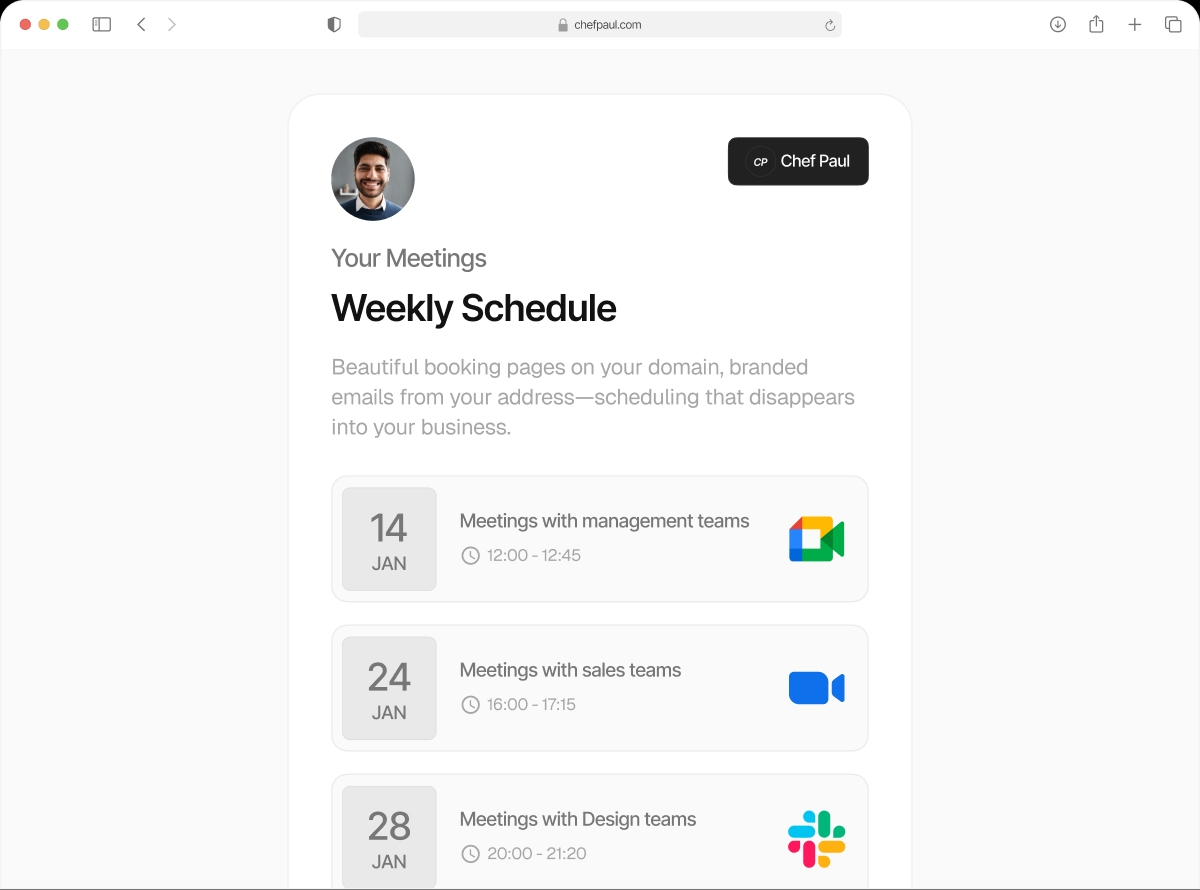

Your whole team. One workspace. Zero scheduling chaos.
Add your team to a shared schedule.so workspace. Everyone connects their calendar. The admin creates team events — round robin for sales, collective for panels, fixed host for qualified calls. Clients book through one link. The right person is assigned automatically.
From zero to team scheduling in four steps
Takes about 5 minutes to get the whole team set up and live.
Create your workspace freeCreate or Join a Workspace

Every schedule.so account belongs to a workspace. Create one for your business or team with all members inside it.
Invite Team Members

Send invites by email. Set their access level — full admin or standard member. They accept, create their account, and join.
Everyone Connects Their Calendar

Each team member connects their own Google, Outlook, or Apple calendar. Their availability is now visible to the workspace admin for creating team events.
Create Team Events

Create round robin, fixed host, or collective team events. Assign members, set priorities, publish the booking link. Clients book — the system assigns.
What the admin can do
Invite members by email
Send invitations to any email address. Members join and can immediately connect their calendar.
Set access levels
Full admin access (create workspaces, events, manage members) or standard member access. You control who can do what.
Create team events on behalf of the team
Admin creates and manages all team events. Members don't need to configure anything — they just appear on the booking page.
One shared booking link
Team events have a single booking link that routes to the right person automatically. Share one link, distribute to the whole team.
Round Robin team events
Distribute meetings equally across team members with optional priority routing. Best for inbound lead routing.
Collective & Fixed Host events
Collective finds time when all required people are free. Fixed Host keeps one mandatory person on every call with a rotating second.
Who sets up team workspaces?
Sales Managers
Invite the whole sales team. Create round robin events for inbound demos. Set priority so senior AEs get first assignment. One link, zero manual routing.
Operations Leads
Manage scheduling infrastructure for the whole org. Create team events, set access levels, monitor booking flows. The team just books — ops controls the rules.
HR & Recruiting Teams
One workspace for all recruiters. Collective events for panel interviews. Round robin for screening calls. Every candidate gets a smooth, consistent booking experience.
Clinic & Practice Managers
All practitioners in one workspace. Fixed host events for supervised consultations. Collective events for multi-clinician reviews. Patients always reach the right person.
Frequently asked questions
Yes. Each team member needs to create a schedule.so account and accept the workspace invitation. Once in, they connect their calendar and are ready to be included in team events.
Yes. Depending on your plan, you can create or belong to multiple workspaces. Useful if you manage separate brands or departments.
You can remove a team member from the workspace. They will be removed from all team events they were part of. Existing bookings assigned to them are not automatically reassigned.
Yes. Each member manages their own availability schedules and calendar connections independently. The admin manages team event structures, but not individual member availability.
Your team. Your scheduling. One workspace.
Set up in minutes. Invite your team today.