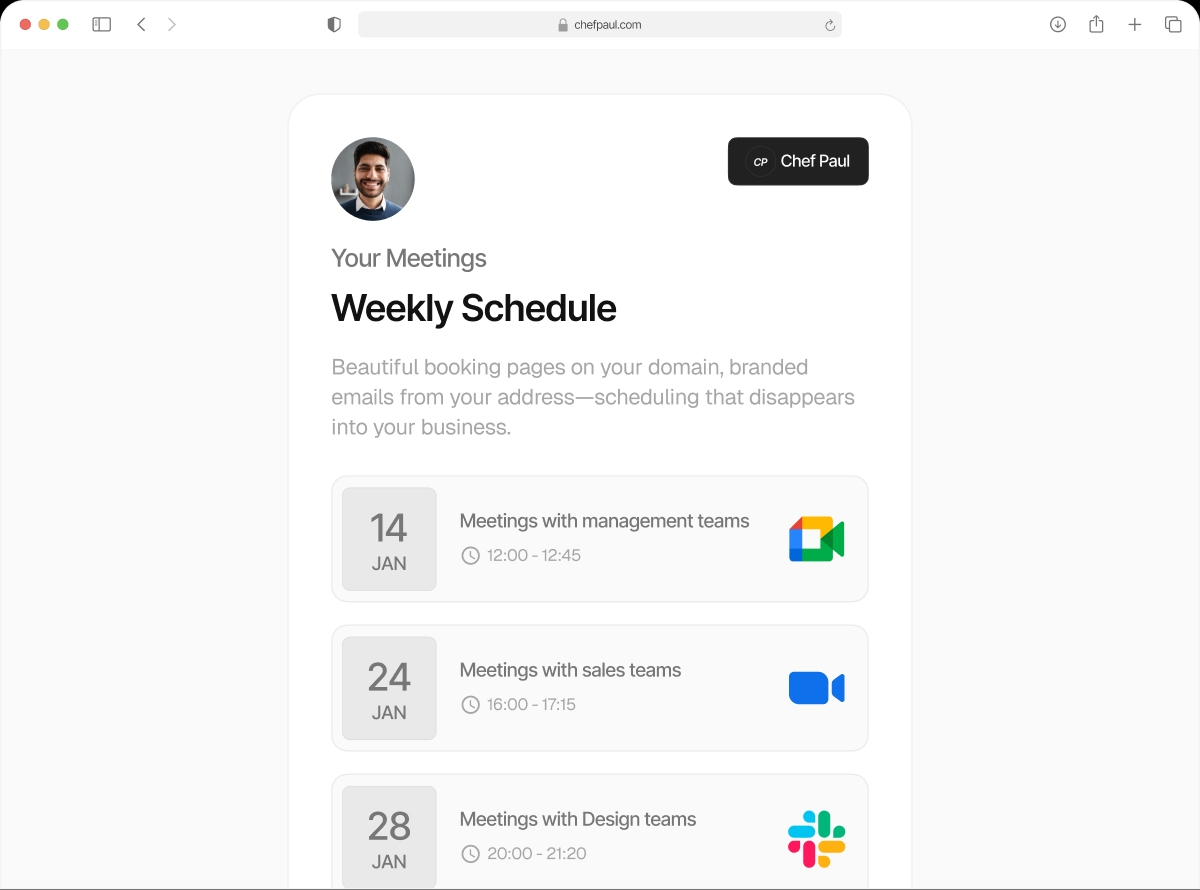

Meetings auto-assigned. No manual juggling.
When a prospect books a meeting, schedule.so checks who on your team is available and assigns the booking automatically. Round robin ensures the load is distributed fairly. Priority routing ensures your best people get first shot. No Slack messages. No manual handoffs.
What is round robin scheduling?
You have five sales reps. Meetings come in from your website booking page. Without round robin, someone has to manually assign each meeting to a rep. With round robin, schedule.so does it automatically — one meeting to Rep A, the next to Rep B, then Rep C, and so on.
The system checks each rep's calendar before assigning. If Rep A is blocked at that time, it skips to Rep B. The client always gets a confirmed slot with a real, available person.
Without round robin
With schedule.so
VerifiedSetting up round robin in schedule.so
Four steps to a fully automated team booking flow. Takes about 5 minutes.
Set up round robin freeCreate a Team Event

Go to Event Types and create a new Team Event. Select Round Robin as the assignment type.
Add Your Team Members

Select the team members who should receive bookings from this event. Each member must have connected their calendar to your workspace.
Set Priority Levels (Optional)

Assign a priority level to each member — Highest, High, Medium, Low, Lowest. If you skip this step, assignment is purely equal rotation.
Go Live

Publish the event type. Every booking that comes in is automatically assigned to the next available team member, respecting priority if set.
Round robin vs manual meeting assignment
| Feature | Schedule.so Round Robin | Manual Assignment |
|---|---|---|
| Meeting assignment | Automatic — availability + priority | Manual — someone decides and notifies |
| Client response time | Instant confirmation | Delayed — depends on queue monitoring |
| Load balancing | Equal distribution with priority | Uneven — loudest or most senior gets first |
| Calendar conflicts | Automatically avoided | Human error — double bookings possible |
| Priority routing | ✓ Built in, per team member | ✗ Not possible |
Who uses round robin scheduling?
Sales Teams
Inbound demo requests auto-assigned to the next available rep. Senior AEs get priority. No lead falls through the cracks and no manager plays traffic cop.
Customer Success
Onboarding calls distributed across your CS team. New customers get a confirmed slot instantly. Your team sees a balanced queue, not a pile-on.
Recruiters
Candidate screening calls shared equally across your recruiting team. Priority routing sends senior roles to senior interviewers first.
Multi-Practitioner Clinics
Patient appointments distributed across practitioners by availability and seniority. Patients get booked with the right person — automatically.
Frequently asked questions
Round robin scheduling distributes meetings across a team in rotation. Each new booking is assigned to the next available team member. schedule.so does this automatically, checking calendars before assigning.
Priority routing adds a hierarchy to round robin. You assign each team member a priority level. When a booking comes in, the highest priority available person is assigned first. Lower priority members are assigned only when higher priority members are unavailable.
Yes. Before assigning a booking, schedule.so checks the assigned team member’s connected calendar. If they have a conflict, the system moves to the next available person in the rotation.
Yes. Round robin is a setting per team event type. Your inbound demo requests use round robin. Your outbound calls can be assigned differently.
If no team member is available for a requested time slot, that slot is not shown as available on the booking page. The client must choose a different time.
Let the system decide who takes the next meeting.
Fair distribution. Priority routing. Zero manual work.