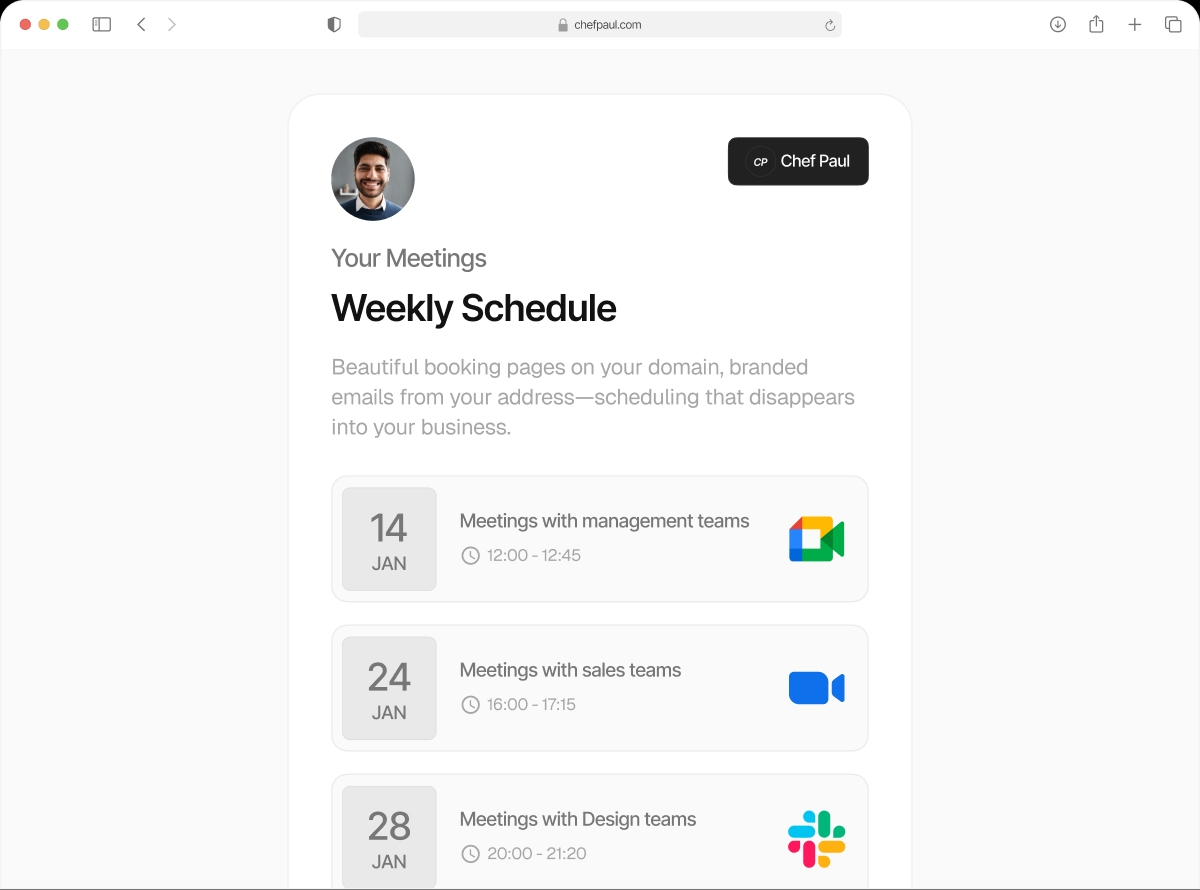

Find a time that works for everyone. Automatically.
You need four people on a call. Two use Google Calendar. One uses Outlook. They're in three different time zones. Finding a time manually means 12 emails and a scheduling spreadsheet. With schedule.so Collective scheduling, the booking page finds the overlap automatically and only shows times when all of them are free.
Works across calendars, time zones, and calendar apps
Cross-calendar support
Two Google Calendar users, one Outlook, one Apple — all on the same collective event. schedule.so checks all four simultaneously.
Multi-timezone aware
The booking page shows times in the booker's local timezone. Under the hood, every team member's availability is checked in their own timezone.
Real-time availability check
Every calendar is queried live when the booking page loads. No stale cached data — if someone just blocked a slot, it's already gone.
Everyone gets an invite
When the client picks a slot, calendar invites go to every required attendee simultaneously. One booking, everyone confirmed.
DST handled automatically
schedule.so normalises all availability checks to UTC and converts back to local time, accounting for daylight saving time changes automatically.
Unlimited attendees
No hard cap on required attendees. Add as many people as the meeting needs — the more people, the tighter the available windows become.
How collective scheduling works
Set it up once. Every booking finds the common time automatically.
Create a collective event freeCreate a Team Event — Collective Type

Create a new team event and select Collective as the event type. Name it clearly — "Panel Interview", "Team Kickoff", "Group Demo".
Add All Required Attendees

Add every person who must be present. Each must have their calendar connected to the workspace. No calendar connection, no availability check.
Publish the Booking Link

The booking page queries all connected calendars in real time. Only times when every required person is free are shown to the booker.
Client Books. Everyone Gets an Invite.

When the client picks a slot, calendar invites go to every required attendee simultaneously. One booking — everyone confirmed.
Who uses collective scheduling?
Panel Interviews
All interviewers must be on the call. Collective finds the first open slot across the whole panel. One link sent to the candidate — no back-and-forth.
Multi-Stakeholder Sales Demos
Your AE, solution engineer, and sales manager all need to attend. Collective finds when all three are free. The prospect books once.
Global Team Meetings
Teams across multiple time zones. Collective surfaces the overlap — if there is one — so distributed teams can find common ground without spreadsheets.
Strategy & Review Sessions
Quarterly business reviews, project kick-offs, board presentations — any meeting where every required person must actually be in the room.
Frequently asked questions
Yes. schedule.so supports Google Calendar, Outlook, and Apple Calendar simultaneously. A collective event can check availability across all three at once.
The booking page will show no available slots for days where no common availability exists. The client must try a different day or date range.
Yes. schedule.so normalises all availability checks to UTC and converts back to each person’s local timezone, accounting for DST automatically.
There is no hard limit on the number of required attendees. Practically, the more people required, the harder it is to find common availability — fewer slots will appear.
These are separate event types. A collective event requires all listed members. A round robin event assigns one. You can create multiple team events using different types for different purposes.
Everyone needs to be on this call. Find the time automatically.
Collective scheduling across calendars, time zones, and calendar apps.