
Control what happens after they book.
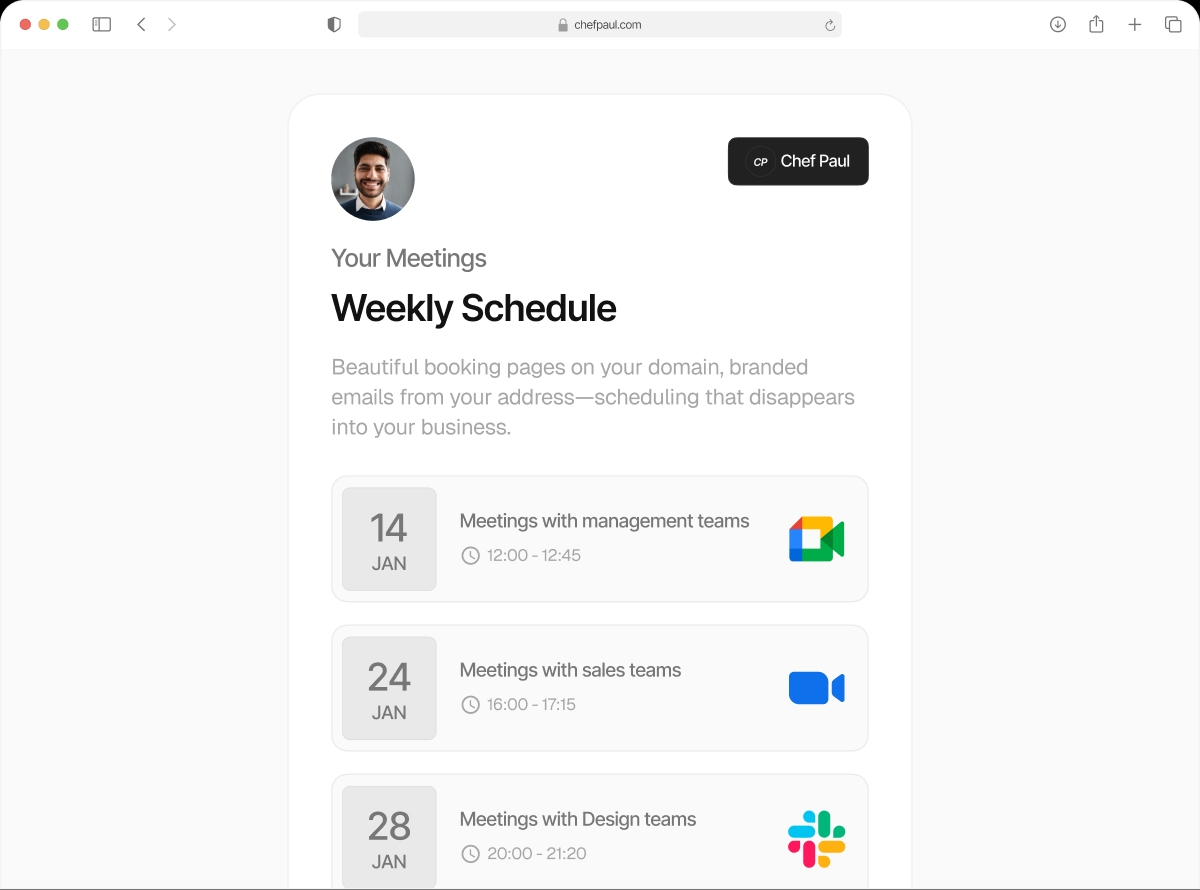
The booking is confirmed. Now what? With schedule.so, you decide exactly what comes next — a custom landing page, an onboarding form, a thank-you page, or an upsell. And when someone shares your booking link, you control the preview image they see. Your brand, your link, your funnel.
Two features. One polished post-booking experience.
Post-Booking Redirect
Set a custom URL to redirect clients to immediately after they confirm a booking. Pass booking details as query parameters so the destination page can personalise the experience.
Social Preview Image (OG Image)
Upload a custom meta image per event type. When your booking link is shared on LinkedIn, WhatsApp, or anywhere link previews appear, your branded image shows — not a grey box.
Different redirect per event type
Your free intro call redirects to an onboarding form. Your paid session redirects to a payment page. Each event type has its own redirect URL.
Booking details as query parameters
Enable "Send event details in query params" and the redirect URL automatically includes attendee name, email, event type, and meeting time.
Different OG image per event type
Upload a unique social preview image per event type. Your discovery call link and your workshop link can each have their own branded thumbnail.
Works everywhere link previews appear
LinkedIn, WhatsApp, Twitter, Slack, email signatures — your branded image renders correctly wherever your booking link gets shared.
What people use post-booking redirects for
The booking is just the beginning of the funnel. Control what comes next.
Set up your post-booking flow freeOnboarding Form

Redirect to a pre-meeting intake form after booking — separate from the booking form itself. Collect detailed information before the session.
Payment Page

Redirect to Stripe, a payment link, or your checkout page for paid sessions. Book first, pay immediately after.
Welcome Video or Community

Redirect to a Loom welcome video, a Slack community, a Circle group, or a WhatsApp link. Set the tone before the meeting happens.
Upsell or CRM Pre-fill

Show an upsell offer on the confirmation page, or pass booking details as query parameters to pre-fill a HubSpot or Typeform submission.
Who uses post-booking features?
Coaches & Consultants
Redirect to an intake form so clients arrive prepared. Share a welcome video that sets expectations. Turn every booking into a warm start.
Sales Teams
Pass booking details to HubSpot automatically via query params. Show an upsell offer after the call is booked. Keep the funnel tight.
Course Creators & Educators
After booking a session, redirect students to a community group, a pre-work document, or a payment page for premium access.
Clinics & Healthcare
Redirect patients to a detailed intake form or consent document after booking. Arrive at every appointment with the paperwork already done.
Frequently asked questions
Yes. The redirect URL is configured per event type. Your free intro call can redirect to an onboarding form. Your paid session can redirect to a payment page.
When enabled, schedule.so appends attendee name, attendee email, event type name, and meeting time to the redirect URL as query parameters.
Yes. As soon as the booking is confirmed, the client’s browser is redirected to the URL you set.
Yes. Each event type has its own brand settings section where you can upload a unique social preview image.
The standard OG image size is 1200×630 pixels. This renders correctly across LinkedIn, WhatsApp, Twitter, and most other link preview contexts.
The booking is just the beginning.
Set up your post-booking redirect and make every share look intentional.