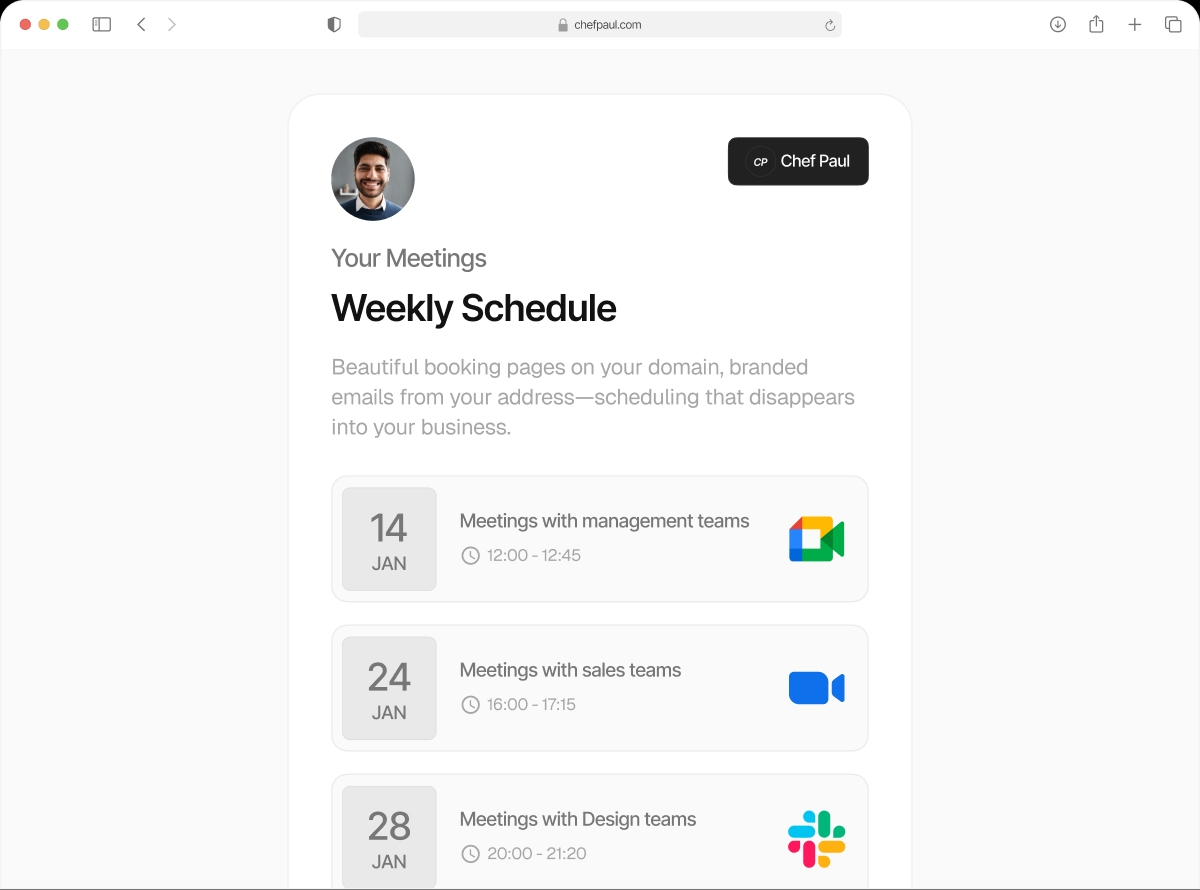

Six ways to meet. You decide which one shows up.
Video call, phone call, in-person, or custom link — configure the meeting location per event type. Your 15-minute intro is on Google Meet. Your in-clinic consultation shows your address on Google Maps. Your VIP client gets a private Zoom link. One tool, every format.
All 6 location types
Google Meet
Auto-generates a unique Google Meet link for every booking. Connect your Google account once — links are created automatically.
Zoom
Auto-creates a Zoom meeting link per booking. No manual link sharing. Works with Zoom Personal, Pro, and Business accounts.
Microsoft Teams
Generates a Teams meeting link automatically. Works with Microsoft 365 and Teams accounts.
Physical Location
Add your address with Google Maps search. Clients see the exact location on a map. Perfect for clinics, studios, and multi-site businesses.
Phone Call
Attendee phone (client calls you) or organizer phone (you call them). Capture the phone number at booking — no awkward "what's your number?" email after.
Custom Link
Add any URL as the meeting location — your own conferencing tool, a private meeting room, your product's built-in video. Your call.
Different location for every event type.
A 15-minute discovery call shouldn't be at the same location as an in-person consultation. Assign a different meeting location to each event type.
Set up locations freeFree Intro Call → Google Meet

Auto-link, no friction for the client. They click the confirmation link and they're in. No account needed on their end.
Paid Consultation → Zoom

Your branded Zoom account, your recording. A unique link is created automatically for each booking — no manual prep.
In-Clinic Appointment → Physical Address

Your address with a Google Maps embed in the confirmation. Add parking notes or entry instructions to the event description.
Built for every kind of meeting business
Clinics & Healthcare
Physical address with Google Maps for in-person appointments. Zoom or Teams for telehealth consultations. Assign each appointment type its own location — patients always get the right details.
Consultants & Coaches
Free discovery calls on Google Meet. Paid deep-dive sessions on Zoom. In-person strategy days at your office address. Everything configured once, delivered automatically.
Agencies & Studios
Client calls on Teams. Creative workshops in your studio. Pitches at the client's office (attendee address). Every meeting type gets the location format it deserves.
Sales Teams
Discovery calls auto-generate Google Meet links. Demos use your branded Zoom. Closing calls use a custom conference link. Your prospect always joins the right room.
Frequently asked questions
Yes. Once you connect your Zoom account, schedule.so generates a unique Zoom meeting link for every new booking automatically. No manual link creation.
Yes. Each event type has its own location setting. Your free consultation can use Google Meet while your paid session uses Zoom or a physical address.
You search for your address using Google Maps integration. The matched address is stored and shown to clients on their booking confirmation with a Google Maps link.
Yes. Add as many physical locations as you have sites. Assign the appropriate location to each event type. Useful for multi-location clinics and studios.
Use the Custom Link option. Enter the URL of any conferencing tool, private meeting room, or custom link. It’s shown to clients on their confirmation email and calendar invite.
Every meeting type. Every format. One booking link.
Set up your locations once and let schedule.so handle the rest.