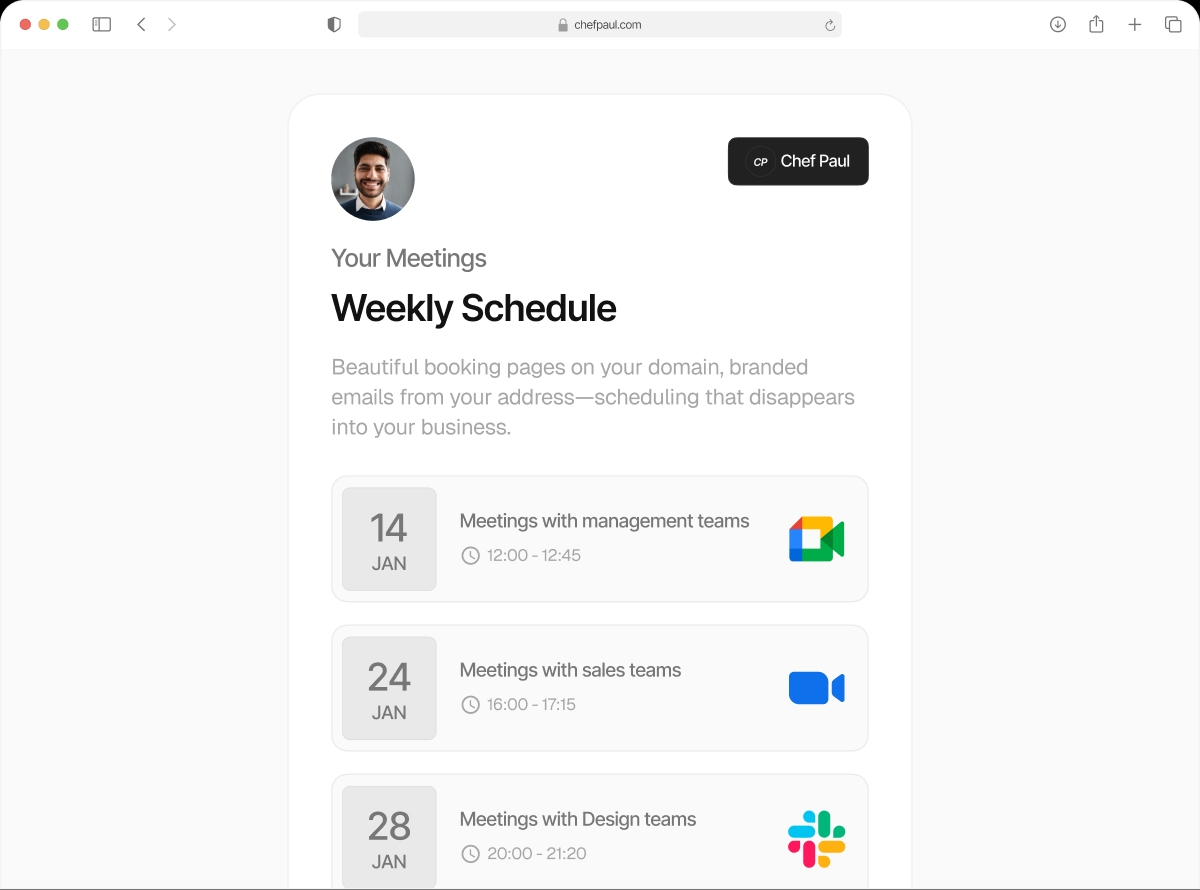

Your booking emails should come from you, not us.
Right now, when someone books a meeting with you, the confirmation email lands in their inbox from a scheduling tool's domain. That's not your brand. With schedule.so's Custom SMTP, every email — confirmation, reminder, follow-up, cancellation — goes out from your email address. Your clients see your name. Always.
Every confirmation email is a brand touchpoint. Make it count.
Think about the last booking confirmation you received. You saw the sender's name. You saw their email domain. That's the same experience your clients have — except right now, they're seeing someone else's brand instead of yours.
For a coach charging premium rates. For an agency sending proposals. For a clinic building patient trust. The email domain matters.
What your clients see today
What they'll see with Custom SMTP
VerifiedSet up Custom SMTP in under 5 minutes.
No developer needed. Just your SMTP credentials and 3 steps.
Connect your email freeEnter Your SMTP Credentials

Go to Settings > Custom SMTP. Enter your SMTP host, port, username, and password. Works with Gmail, Outlook, SendGrid, Mailgun, Postmark, Zoho — any SMTP provider.
Send a Test Email

Hit the test button. We send a test email through your SMTP connection so you can confirm everything is working before it goes live.
Save. Done.

From this point on, every booking email — confirmations, reminders, follow-ups, cancellations — leaves from your email address. We log every delivery so you can see exactly what was sent.
What changes when you connect Custom SMTP
Confirmations from your email
New booking confirmations land in your client's inbox from your address. Not from noreply@schedule.so.
Reminders from your email
Pre-meeting reminders carry your name. Clients see a familiar sender — higher open rates, fewer no-shows.
Follow-ups from your email
Cancellation notices and follow-ups come from you. Clients reply to you. No confusion about who sent what.
Full delivery logs
See every email that was sent, when it was delivered, and to which address. No guessing if things went through.
Set your sender name
Configure the display name that shows in the inbox — "Dr. Sarah Jones" or "Acme Sales Team" — whatever fits your brand.
Works with any provider
Gmail, Google Workspace, Outlook 365, SendGrid, Mailgun, Postmark, Amazon SES, Zoho — any SMTP server works.
schedule.so Custom SMTP vs Calendly email handling
| Feature | Schedule.so | Calendly |
|---|---|---|
| Booking confirmation sender | Your email address | noreply@calendly.com |
| Custom SMTP support | All plans, incl. free | Not on standard plans |
| Sender display name | Fully customisable | Fixed as Calendly branding |
| Email delivery logs | ||
| Client replies go to | Your inbox | Calendly system — confusing |
Frequently asked questions
SMTP (Simple Mail Transfer Protocol) is the standard way email is sent. By default, schedule.so sends booking emails from our domain. Custom SMTP lets you connect your own email server so all emails come from your address instead.
Yes. You can use Gmail SMTP or Google Workspace SMTP. You’ll need to generate an app password in your Google account and use that as your SMTP credentials.
No. Custom SMTP is available on all schedule.so plans including the free Starter plan.
Using your own SMTP with a properly configured domain (SPF, DKIM, DMARC records) typically improves deliverability compared to shared sending infrastructure. We recommend ensuring your domain has proper email authentication set up.
Yes. schedule.so logs every email sent through your Custom SMTP. You can view the delivery log from your settings to see send timestamps and recipient addresses.
Just update them in settings. Future emails use the new credentials immediately. No disruption to existing bookings.
Your name in every inbox. Not ours.
Set up Custom SMTP in minutes. Works with Gmail, Outlook, SendGrid and more.